
The Real Cost of Cloud Egress Fees — And Why MarQi Cloud Doesn’t Charge Them
June 26, 2026
MarQi Cloud for Game Servers: Low Latency, Dedicated Power, Affordable Pricing
June 26, 2026
How to Use MarQi Cloud WireGuard VPN for Secure Remote Infrastructure Access
In today’s digital world, secure remote access to your infrastructure is more critical than ever. With the rise of remote work and the increasing number of cyber threats, businesses must prioritize their security measures. One effective way to achieve this is by using a Virtual Private Network (VPN). In this article, we will focus on how to use MarQi Cloud’s WireGuard VPN for secure remote infrastructure access, ensuring your data remains protected while you work from anywhere.
What is WireGuard VPN?
WireGuard is a modern and efficient VPN protocol that provides a secure tunnel for your internet traffic. Unlike traditional VPN protocols, WireGuard is designed to be simple and lightweight, offering high-speed performance while maintaining robust security features. It utilizes state-of-the-art cryptography to encrypt your data, making it nearly impossible for unauthorized users to access your network.
Why Choose MarQi Cloud for WireGuard VPN?
MarQi Cloud offers enterprise-grade cloud infrastructure tailored for businesses of all sizes. Here are some compelling reasons to choose MarQi Cloud for your WireGuard VPN needs:
1. Enterprise-Grade Cloud Infrastructure
MarQi Cloud provides a reliable and secure platform that ensures your data is always protected. Our cloud infrastructure is built to handle the demands of modern businesses, enabling seamless connectivity and performance.
2. Hybrid Cloud Deployment Models
With MarQi Cloud, you can choose between public, private, or hybrid cloud deployment models, allowing you to customize your network according to your specific needs.
3. Private and Secure Hosting Environments
Your data security is our top priority. Our hosting environments are designed to be secure, providing you with peace of mind while accessing your infrastructure remotely.
4. Scalable Compute and Storage Resources
As your business grows, so do your needs. MarQi Cloud offers scalable resources, allowing you to expand your infrastructure without interruption.
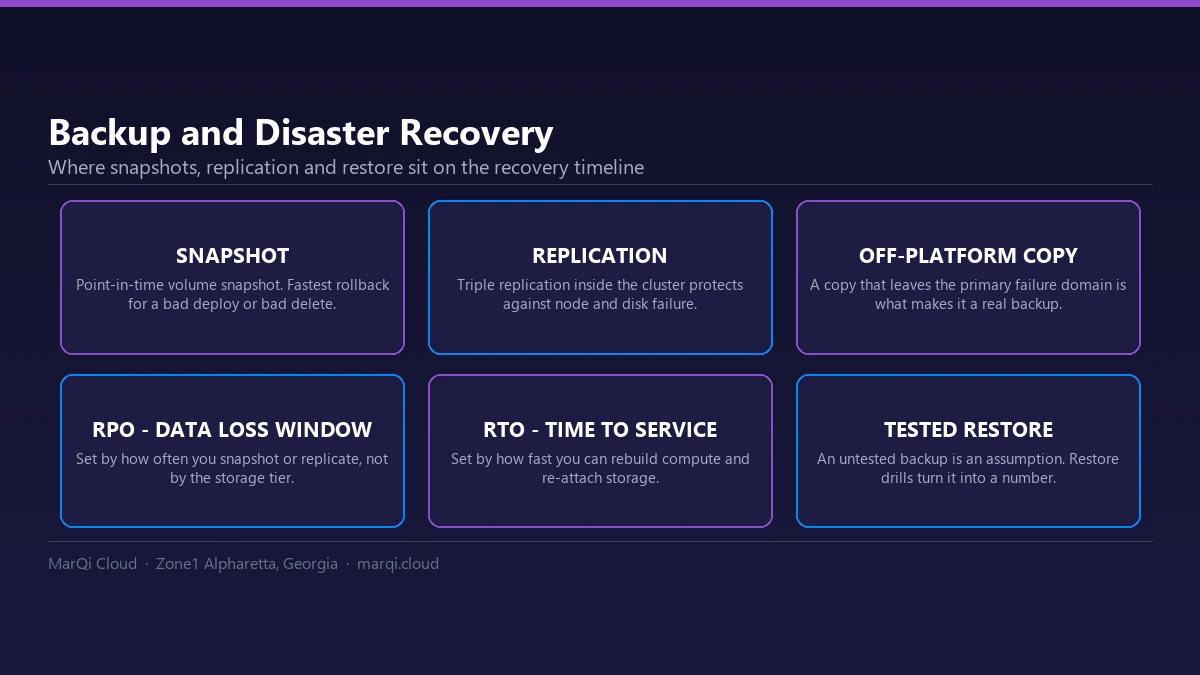
5. Business Continuity and Disaster Recovery Solutions
We understand the importance of business continuity. Our disaster recovery solutions ensure your data is safe and retrievable in case of an unexpected event.
6. Performance-Driven Infrastructure Design
MarQi Cloud’s infrastructure is designed to optimize performance, ensuring that your remote access is fast and efficient.
7. US-Based Infrastructure and Support
Our infrastructure is based in the US, and our support team is available to assist you whenever you need help.
8. Flexible Pricing Models
We offer flexible pricing models to accommodate businesses of all sizes, allowing you to choose a plan that fits your budget.
Getting Started with MarQi Cloud WireGuard VPN
Now that you understand the benefits of using MarQi Cloud’s WireGuard VPN, let’s walk through the steps to set it up for secure remote access.
Step 1: Sign Up for MarQi Cloud Services
To use WireGuard VPN, you’ll first need to sign up for MarQi Cloud services. Navigate to our website and choose a plan that suits your business needs. Once you have signed up, you’ll receive access to your dashboard.
Step 2: Access the WireGuard VPN Configuration
Once logged into your MarQi Cloud account, navigate to the VPN section in your dashboard. Here, you will find the WireGuard VPN configuration options. MarQi Cloud provides easy-to-follow instructions and templates to help you set up your VPN.
Step 3: Install WireGuard on Your Device
To connect to the WireGuard VPN, you need to install the WireGuard client application on your device. It is available for various operating systems, including Windows, macOS, Linux, Android, and iOS. Download and install the appropriate version for your device.
Step 4: Configure WireGuard Client
After installing the WireGuard client, you will need to configure it using the settings provided in your MarQi Cloud dashboard. This involves entering the server address, port number, and your private and public keys. The configuration process is straightforward, and MarQi Cloud provides step-by-step guidance.
Step 5: Connect to the WireGuard VPN
Once your WireGuard client is configured, you can connect to the VPN. Simply launch the application and click the connect button. You should see a notification indicating that you are connected securely.
Step 6: Verify Your Connection
To ensure that your connection is secure, you can use an online IP checker to verify that your IP address has changed to the VPN’s IP address. This confirms that your internet traffic is being routed through the WireGuard VPN.
Best Practices for Using WireGuard VPN
To maximize the security and performance of your WireGuard VPN, consider the following best practices:
1. Keep Software Up to Date
Regularly update your WireGuard client and any related software to ensure you have the latest security patches and features.
2. Use Strong Authentication Methods
Implement strong authentication methods, such as two-factor authentication, to enhance the security of your connection.
3. Monitor Your VPN Usage
Keep track of your VPN usage to identify any unusual activity that could indicate a security breach.
4. Educate Your Team
Ensure that all team members understand the importance of using the VPN and how to use it correctly.
5. Regularly Review VPN Settings
Periodically review your VPN settings to ensure they align with your security policies and business needs.
Conclusion
Using MarQi Cloud’s WireGuard VPN is a smart and effective way to secure remote access to your infrastructure. With its robust security features, high performance, and user-friendly setup process, WireGuard is an excellent choice for businesses looking to protect their data. By following the steps outlined in this article and adhering to best practices, you can ensure that your remote work environment is both secure and efficient.
FAQs
1. What is the main benefit of using a VPN?
A VPN provides a secure connection to the internet, protecting your data from unauthorized access and ensuring your online activities remain private.
2. How does WireGuard compare to other VPN protocols?
WireGuard is known for its simplicity, high speed, and robust security features, making it a popular choice compared to older protocols like OpenVPN and IPSec.
3. Is WireGuard easy to set up?
Yes, WireGuard is designed to be simple to install and configure, especially with the guidance provided by MarQi Cloud.
4. Can I use WireGuard on multiple devices?
Yes, you can install the WireGuard client on multiple devices and connect them to your MarQi Cloud VPN.
5. What if I encounter issues while setting up WireGuard?
MarQi Cloud offers US-based support, and our team is available to assist you with any issues you may encounter.
6. Is my data safe when using WireGuard?
Yes, WireGuard uses state-of-the-art cryptography to protect your data, making it highly secure.
7. What should I do if I forget my WireGuard credentials?
You can reset your credentials through your MarQi Cloud dashboard or contact support for assistance.
8. How much does MarQi Cloud’s WireGuard VPN cost?
MarQi Cloud offers flexible pricing models, and you can choose a plan that fits your budget. Visit our website for more details.




