
MarQi Cloud and Nginx: The Ultimate High-Performance Web Server Setup
April 6, 2026
The MarQi Cloud Firewall Setup Guide: Locking Down Your Servers in 10 Minutes
April 6, 2026
How to Run a Secure Private Registry on MarQi Cloud for Docker Images
As organizations increasingly adopt containerization for application development and deployment, managing Docker images securely becomes paramount. A private Docker registry allows teams to store, manage, and distribute Docker images within a controlled environment. MarQi Cloud offers an enterprise-grade cloud infrastructure that facilitates the creation and management of secure private registries. In this article, we will guide you through the process of setting up a secure private registry on MarQi Cloud, ensuring your Docker images remain protected and easily accessible.
Understanding Docker Registries
A Docker registry is a repository for Docker images. It can be public, like Docker Hub, or private, where access is restricted to authorized users. Private registries are crucial for organizations that need to maintain proprietary code and sensitive data without exposing it to the public.
Why Use a Private Registry?
- Security: A private registry helps safeguard sensitive images from unauthorized access.
- Control: Organizations can manage who has access to their images, enhancing compliance with security protocols.
- Performance: Hosting images on a private registry can improve the speed of image pulls as they are hosted closer to your infrastructure.
Benefits of Using MarQi Cloud for Your Private Registry
MarQi Cloud provides a robust infrastructure that is ideal for deploying a private Docker registry. Here are some benefits:
- Enterprise-grade cloud infrastructure: MarQi Cloud offers a highly reliable and scalable environment for hosting your private registry.
- Hybrid cloud deployment models: You can deploy your registry in a hybrid setup, combining on-premises resources with MarQi Cloud services.
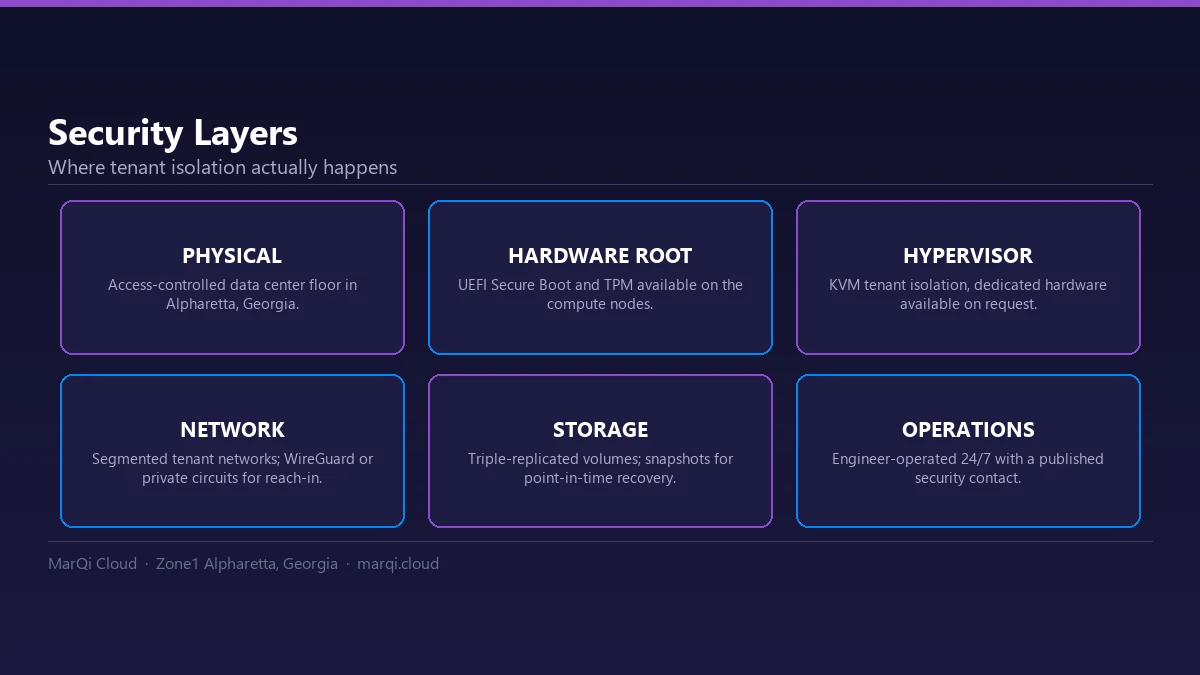
- Private and secure hosting environments: With dedicated resources, your registry operates in a secure environment, minimizing potential vulnerabilities.
- Scalable compute and storage resources: Easily scale your registry as your image storage needs grow.
- Business continuity and disaster recovery solutions: Ensure your data is protected and can be restored in case of a disaster.
Setting Up a Secure Private Docker Registry on MarQi Cloud
Follow these steps to set up your secure private Docker registry on MarQi Cloud:
Step 1: Create a MarQi Cloud Account
If you don’t already have an account, visit the MarQi Cloud website at https://marqicloud.com and sign up. Ensure you verify your email and provide all necessary information to set up your account.
Step 2: Deploy a Virtual Machine
Once your account is set up, log in to the MarQi Cloud dashboard and deploy a new virtual machine (VM) instance:
- Select the desired operating system. Ubuntu is a popular choice.
- Choose the instance size based on your expected load. Ensure it has sufficient CPU and RAM.
- Configure network settings and security groups to restrict access.
Step 3: Install Docker
SSH into your newly created VM and install Docker:
sudo apt update && sudo apt install docker.ioAfter installation, ensure Docker is running:
sudo systemctl start dockerStep 4: Set Up the Private Registry
Next, set up the Docker registry:
docker run -d -p 5000:5000 --restart=always --name registry registry:2This command runs the official Docker registry image on port 5000. The registry is now accessible at http://.
Step 5: Secure the Registry with TLS
To secure your private registry, you should enable TLS. Obtain a TLS certificate from a trusted certificate authority or create a self-signed certificate:
openssl req -newkey rsa:4096 -nodes -sha256 -keyout domain.key -x509 -days 365 -out domain.crtThen, run the registry with the TLS certificate:
docker run -d -p 443:5000 --restart=always --name registry
-v /path/to/cert/domain.crt:/certs/domain.crt
-v /path/to/cert/domain.key:/certs/domain.key
-e REGISTRY_HTTP_TLS_CERTIFICATE=/certs/domain.crt
-e REGISTRY_HTTP_TLS_KEY=/certs/domain.key
registry:2
Step 6: Configure Authentication
For additional security, implement basic authentication. First, install the necessary tools:
apt-get install apache2-utilsCreate a password file using the following command:
htpasswd -Bc /path/to/auth/htpasswd Run the registry with the authentication configuration:
docker run -d -p 443:5000 --restart=always --name registry
-v /path/to/cert/domain.crt:/certs/domain.crt
-v /path/to/cert/domain.key:/certs/domain.key
-v /path/to/auth/htpasswd:/auth/htpasswd
-e REGISTRY_AUTH=htpasswd
-e REGISTRY_AUTH_HTPASSWD_REALM=Registry
-e REGISTRY_AUTH_HTPASSWD_PATH=/auth/htpasswd
-e REGISTRY_HTTP_TLS_CERTIFICATE=/certs/domain.crt
-e REGISTRY_HTTP_TLS_KEY=/certs/domain.key
registry:2
Step 7: Test Your Registry
To verify that your private registry is functioning correctly, you can push and pull images. First, tag an image:
docker tag :5000/ Then, push the image:
docker push :5000/ Finally, pull the image from the registry:
docker pull :5000/ Best Practices for Managing Your Private Registry
Once your private registry is set up, consider these best practices for management:
- Regularly update your Docker images: Keep your images updated to include the latest security patches.
- Implement access controls: Limit access to the registry to only those who need it.
- Monitor registry usage: Keep an eye on the access logs and audit trails for suspicious activity.
- Plan for backups: Regularly back up your registry data to prevent loss in case of failures.
Conclusion
Running a secure private registry on MarQi Cloud for your Docker images is a strategic move towards enhancing your application’s security and performance. With the enterprise-grade infrastructure and flexible pricing models offered by MarQi Cloud, you can ensure that your Docker images are not only stored securely but are also easily accessible to your development teams. By following the steps outlined in this article, you can set up a private Docker registry that meets your organization’s needs.
FAQs
1. What is a Docker registry?
A Docker registry is a repository that stores Docker images, allowing teams to share and manage these images securely.
2. Why should I use a private Docker registry?
A private Docker registry provides security, control, and improved performance for managing Docker images.
3. Can I use a self-signed certificate for my private registry?
Yes, you can use a self-signed certificate; however, it may require additional configuration on client machines.
4. How do I secure my private registry?
Secure your registry by enabling TLS and implementing authentication methods such as htpasswd.
5. What happens if my private registry goes down?
Implementing business continuity and disaster recovery solutions can help recover your data and minimize downtime.
6. How can I monitor access to my private registry?
Regularly review access logs and set up alerts for any suspicious activities to monitor your registry.
7. Can I run multiple private registries on MarQi Cloud?
Yes, you can deploy multiple private registries on MarQi Cloud, each with its own configuration and security settings.
8. What are the costs associated with running a private registry on MarQi Cloud?
Costs depend on the resources you choose, such as VM size and storage. MarQi Cloud offers flexible pricing models to accommodate different needs.






