
GPU PCIe Passthrough Explained: Dedicated GPUs for VMs
October 29, 2026
VM Templates and Golden Images: Building Repeatable VMs
Short answer: A VM template is a prepared disk image you launch new virtual machines from, instead of installing an operating system from an installer ISO each time. A golden image is a template you build yourself, with your own base OS, agents, users and hardening already in place, so every new instance starts from the same known state. The key to a good golden image is removing machine-specific identity before you capture it, and keeping it in a standard disk format so it stays portable.
Installer ISO, Template or Golden Image?
| Starting point | What it contains | Best for | Main drawback |
|---|---|---|---|
| Installer ISO | Only the installer; you configure everything by hand | One-off or unusual builds | Slow and hard to repeat exactly |
| Provider template | A clean, updated OS image ready to boot | Getting a standard VM running quickly | Your own configuration still has to be applied after launch |
| Golden image | Your base OS plus your agents, users, SSH configuration and baseline hardening | Fleets that must be identical and quick to rebuild | Needs a rebuild schedule so it does not drift out of date |
How to Build a Golden Image
- Start from a supported base. Use a current template or a fresh install of the OS release you intend to run in production.
- Apply updates and your baseline. Patch the system, install the monitoring and security agents you require, and apply your hardening settings.
- Prepare first-boot configuration. Settings that differ per instance, such as hostname, network and SSH keys, are best applied at first boot rather than baked in. Cloud-init, which describes itself as the industry standard multi-distribution method for cloud instance initialization, provisions instances during first boot with networking, storage, SSH keys and packages, and is a common choice for this step.
- Remove machine-specific identity. Every clone must get its own identity. The systemd machine-id documentation states that the ID of each machine should be unique, and that for images created once and used on many machines the
/etc/machine-idfile should be missing or empty so a new ID is generated during boot. - Capture and version it. Snapshot the prepared disk, record what is in it and when it was built, and test-launch a VM from it before you use it widely.
- Rebuild on a schedule. Rebuild regularly with current updates instead of patching every running copy, so new instances never start out of date.
Disk Image Formats and Portability
On KVM, the two formats you will meet most are raw and qcow2. The qemu-img documentation describes raw as simple and easily exportable to all other emulators, and qcow2 as the most versatile format, supporting multiple VM snapshots and backing images that record only the differences from a base image. qemu-img convert converts an image from one format to another, which is how most images move between platforms. Keeping golden images in a standard format, without provider-specific agents, means the same image can be launched elsewhere if you ever need to.
Templates and Golden Images on MarQi Cloud
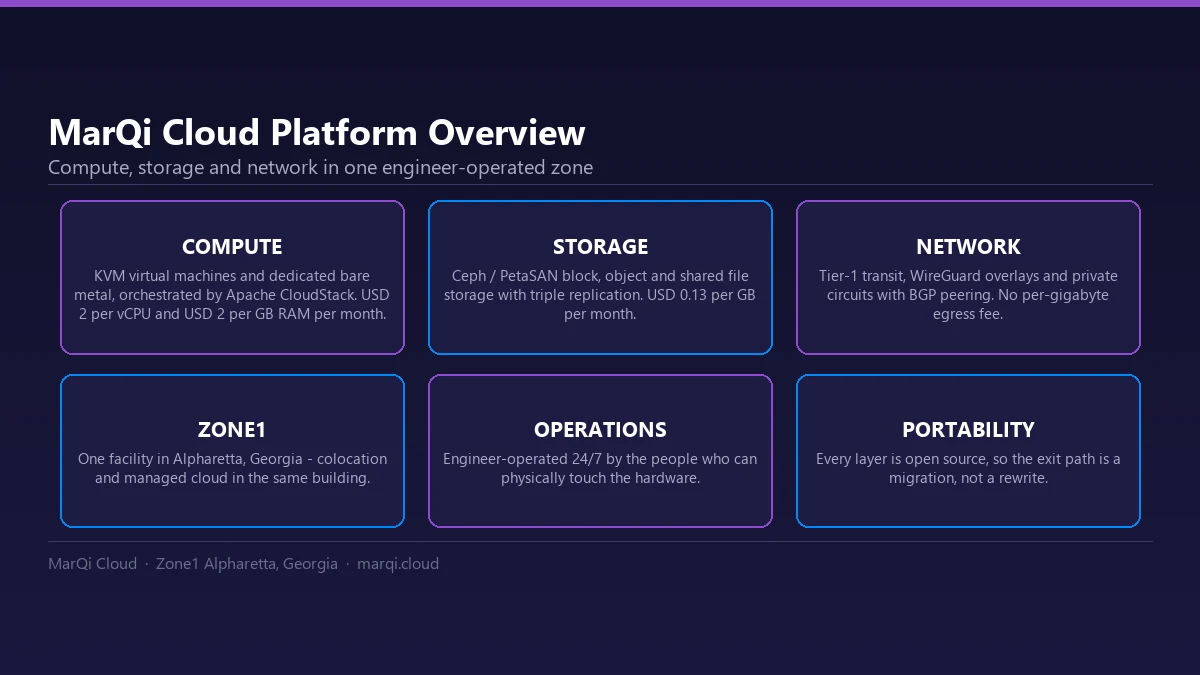
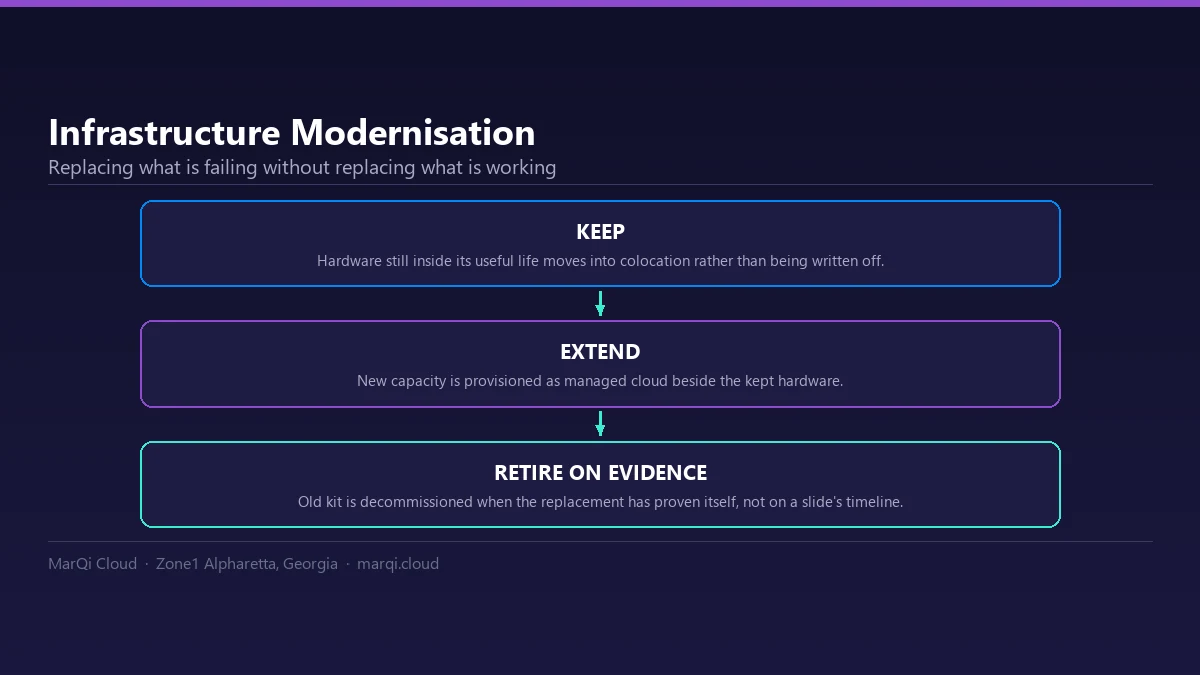
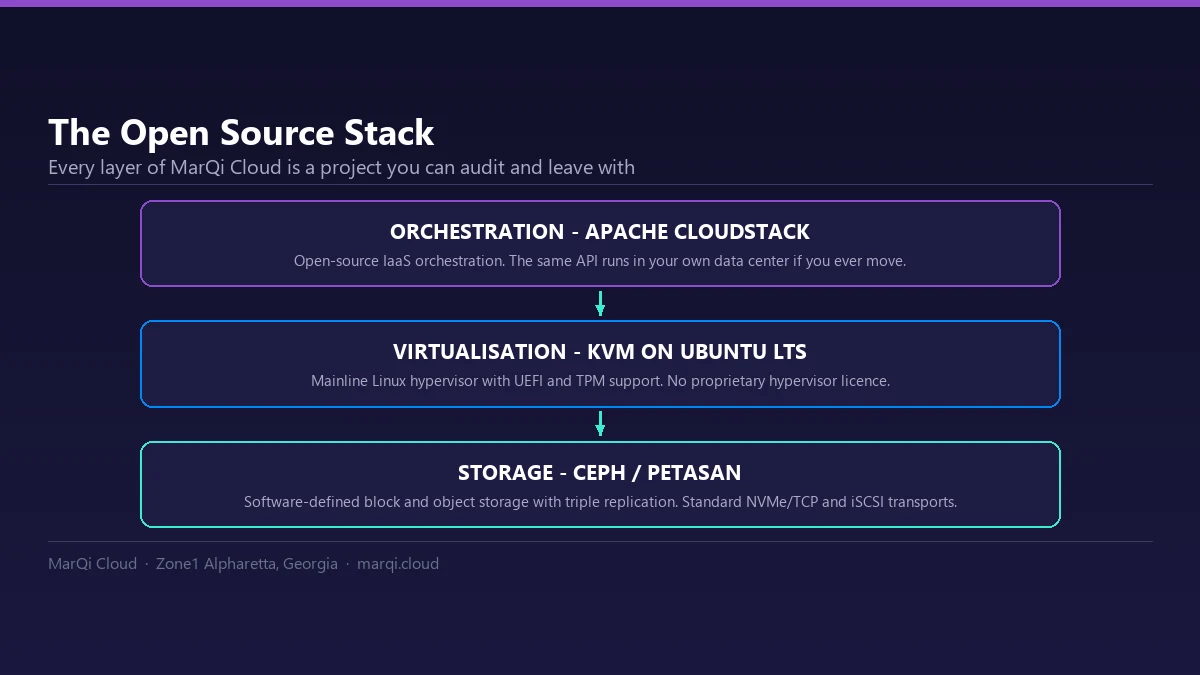
MarQi Cloud templates run on the KVM hypervisor, use standard formats and carry no proprietary agent, so an image you run here is an image you could run anywhere. Ubuntu LTS is the default image, and pre-built templates also cover other common Linux distributions and Windows Server versions. Because everything is standard KVM, you can bring a disk image you already trust, such as a hardened base built by your security team or a vendor appliance, with no conversion tax and no proprietary packaging step. Snapshot your golden image once, and combined with snapshots and backups you get both a repeatable build and a rollback point. See templates and images for details, and for Windows guests read Windows Server on KVM: UEFI, Secure Boot and TPM.