How MarQi Cloud’s Performance, Security, and Zero Lock-In Shape Enterprise Infrastructure
October 18, 2026
What Is PetaSAN? Ceph-Based Scale-Out SAN Explained
October 29, 2026
Windows Server on KVM: UEFI, Secure Boot and TPM Explained
Short answer: Windows Server can be installed on KVM without special firmware, but several of its security features do depend on it. Secure Boot needs UEFI firmware, BitLocker with a TPM needs a TPM device, and Secured-core server needs TPM 2.0, Secure Boot and virtualization-based security together. KVM can supply all of these to a virtual machine: UEFI firmware loaded by the hypervisor and a virtual TPM provided by the swtpm emulator, so a modern Windows Server guest can use them in a VM much as it would on physical hardware.
What UEFI, Secure Boot and TPM Do for a Windows Server Guest
The three are often mentioned together, but they solve different problems. Microsoft’s Windows Server hardware requirements list a UEFI 2.3.1c-based system with Secure Boot and a Trusted Platform Module among the items that are required only for certain features, rather than for installation itself.
| Component | What it does | Windows Server features that depend on it |
|---|---|---|
| UEFI firmware | The modern firmware interface that starts the operating system, replacing legacy BIOS | Secure Boot |
| Secure Boot | A UEFI feature that only starts boot components that are signed and trusted | Secured-core server, together with TPM 2.0 and virtualization-based security |
| TPM 2.0 | Protected storage for keys and measurements of the boot process | BitLocker Drive Encryption with TPM protection; Secured-core server |
How KVM Provides UEFI and a Virtual TPM
UEFI and Secure Boot. With libvirt, a VM can be configured to boot UEFI firmware instead of legacy BIOS. The libvirt domain format lets management tools set firmware='efi' and fill in the loader and NVRAM automatically, and a secure-boot firmware feature indicates whether the firmware implements UEFI Secure Boot. Firmware auto-selection is specific to QEMU/KVM.
Virtual TPM. According to the QEMU TPM documentation, QEMU’s TPM emulator device uses an external emulator called swtpm, and presents it to the guest through a TPM TIS or CRB interface, with support for TPM 2.0. The emulated TPM’s state can be saved and restored, migrated over the network and included in snapshots. Passing a host’s hardware TPM through to a guest works differently: only one guest can use it, and virtual machine migration is disabled while the passthrough driver is in use. That is why an emulated TPM, rather than a passed-through chip, suits virtual machines that need to move between hosts.
What Windows Server Actually Requires in a VM
- A TPM only for the features that use it. Microsoft states that a TPM chip is required to use certain features, such as BitLocker Drive Encryption.
- Secured-core server needs more than a TPM. For Windows Server 2022 and later, Microsoft lists TPM 2.0, Secure Boot and virtualization-based security support, along with DMA remapping (IOMMU), Kernel DMA Protection and DRTM.
- Enough memory during setup. Microsoft notes that installing Windows Server 2025 on a VM configured with 1 processor core and 1,024 MB of RAM fails, and recommends allocating 1,280 MB or more for setup; for Windows Server 2022 and earlier the figure is 800 MB. The allocation can be reduced after installation.
Before You Move an Existing Windows Server VM
- Check the firmware mode the image was installed in. Create the new VM with the same mode (BIOS or UEFI), and treat any change of mode as a separate, tested step.
- Back up BitLocker recovery information first. Microsoft’s BitLocker recovery overview lists clearing or disabling the TPM, firmware upgrades, changes to the boot manager and moving a protected drive into a new computer among the events that trigger recovery mode.
- Suspend BitLocker for planned changes. For known firmware or hardware changes, Microsoft recommends temporarily suspending BitLocker protection; the drive stays encrypted and protection resumes after the task.
- Size memory for setup, not just for steady state. Use at least the setup allocation above, then reduce it once the server is running.
- Take a snapshot before changing firmware or TPM settings, so you can return to a known-good state if the guest does not boot.
Windows Server on MarQi Cloud
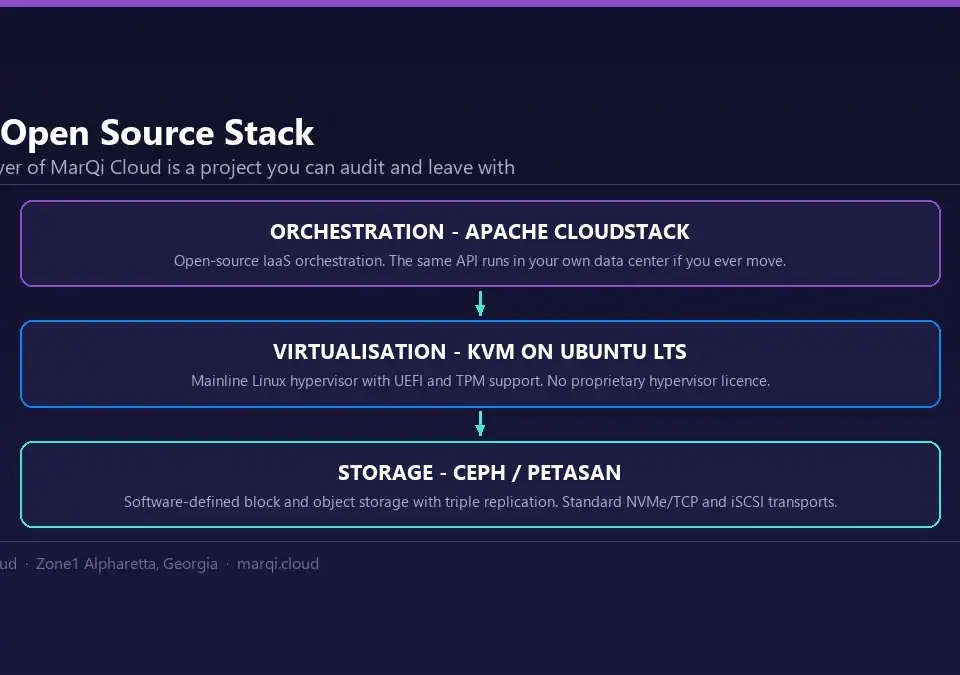
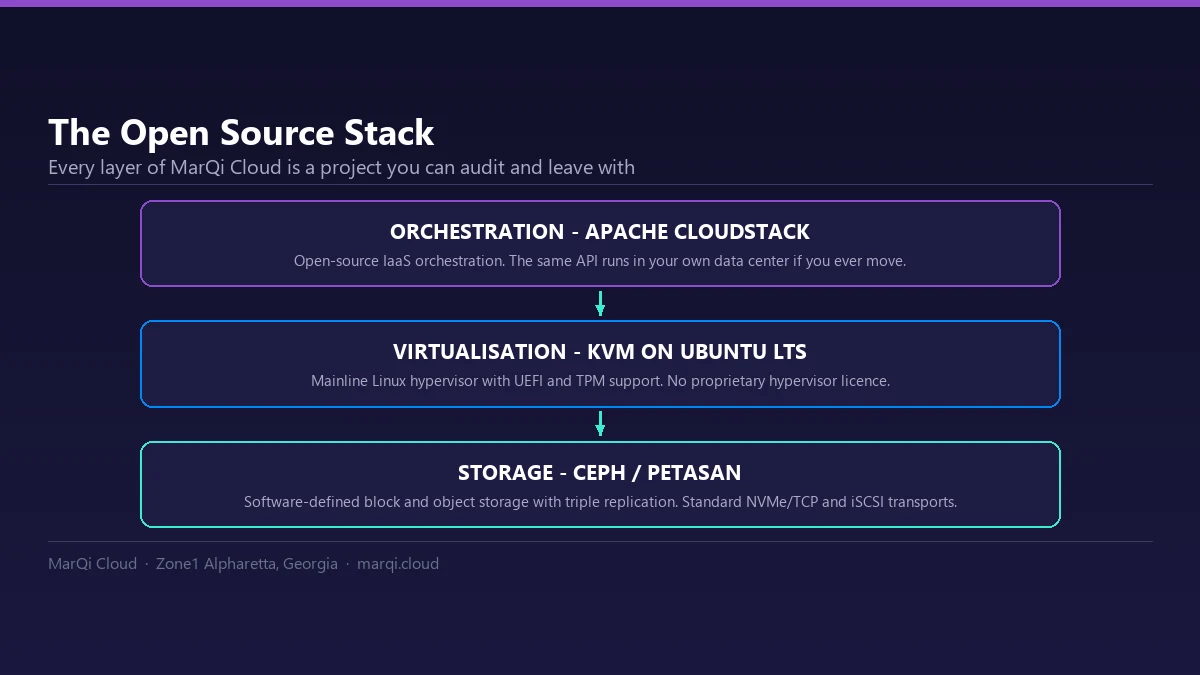
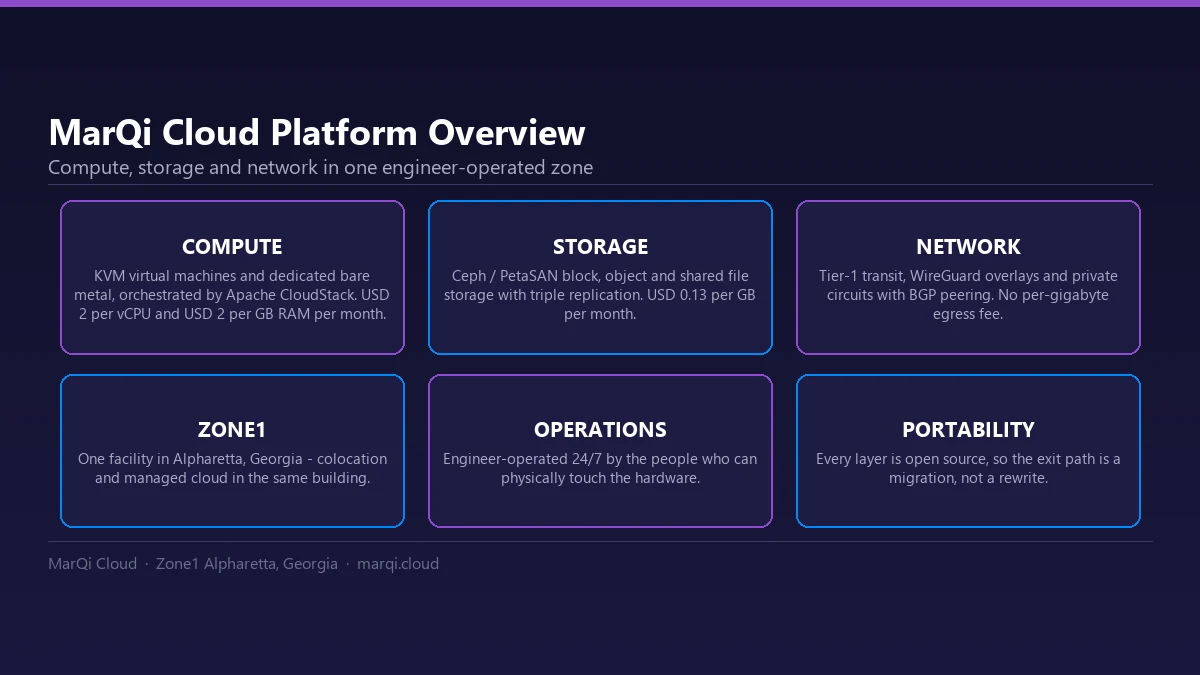
MarQi Cloud’s compute hosts provide UEFI and TPM support, so modern Windows Server guests install and run properly rather than being coaxed along in legacy mode. Prepared templates include Windows Server versions, and you can bring your own image: templates run on the KVM hypervisor and use standard image formats with no proprietary agent. See templates and images and the compute platform for details, and snapshots and backups for restore points before a change. For background on the hypervisor itself, read KVM virtualization explained.